

Google Workspace is a powerful, ubiquitous platform, yet it isn't the perfect fit for every organization. Businesses seeking stronger data privacy, tighter integration with specific ecosystems like Microsoft, or more predictable, budget-friendly pricing models are increasingly exploring viable Google Workspace alternatives. The challenge isn't just finding another option, but finding the right one that aligns with specific operational needs, compliance requirements, and long-term strategy.
This guide moves beyond surface-level feature lists to provide actionable insights for IT leaders and executives. We will dissect 12 top-tier alternatives, offering a practical analysis of their strengths, weaknesses, and ideal use cases, from privacy-focused startups to large enterprises. Understanding the fundamental advantages and disadvantages of cloud computing is a critical first step, as it provides the foundational knowledge needed to evaluate how each suite's architecture will impact your organization's security, scalability, and total cost of ownership.
Throughout this resource, you will find a comprehensive breakdown of each platform, including direct links and screenshots. We will cover:
- Practical Use Cases: Which suite is best for non-profits, healthcare, or self-hosted environments.
- Actionable Insights: Key features, pricing structures, and unique selling propositions.
- Honest Limitations: A clear-eyed view of potential drawbacks and implementation hurdles.
- Migration Considerations: What to expect when transitioning from Google’s ecosystem.
This article is designed to equip you with the critical information needed to make a confident, informed decision on your next digital workplace.
1. Microsoft 365 for Business
Microsoft 365 is the most direct and powerful Google Workspace alternative, especially for organizations already using Windows and Office. It provides an enterprise-grade suite including Outlook, Teams, OneDrive, and the full desktop versions of Word, Excel, and PowerPoint. Its key differentiator is the depth of its administrative and security controls, built on the robust Azure Active Directory foundation, which offers more granular control over users, devices, and data access policies than Google's standard offerings.
This platform excels in environments where compliance and granular control are non-negotiable. Administrators gain access to mature tooling for device management (Intune) and sophisticated security policies that are often more comprehensive out-of-the-box. For those specifically weighing their options, a comprehensive guide on the nuances of choosing between Microsoft 365 vs Google Workspace can provide deeper, region-specific insights.
Key Considerations
- Best For: Companies needing deep integration with desktop Office apps, advanced security for compliance (e.g., HIPAA, FINRA), and centralized IT management. It’s the practical choice for hybrid environments leveraging both on-premise servers and cloud services.
- Limitations: The licensing structure is complex (Business Basic vs. Standard vs. Premium), and key security features are often locked behind higher-priced tiers. The user experience feels most native on Windows, with potential for a clunkier feel on macOS or Linux.
- Pricing: Business plans range from $6 to $22 per user/month. Critically evaluate what each tier includes before committing.
Its comprehensive nature makes it not just a productivity suite but a central part of an organization's operational toolkit, integrating well with various types of small business workflow management software to create a unified digital workplace.
Website: Microsoft 365 for Business
2. Zoho Workplace
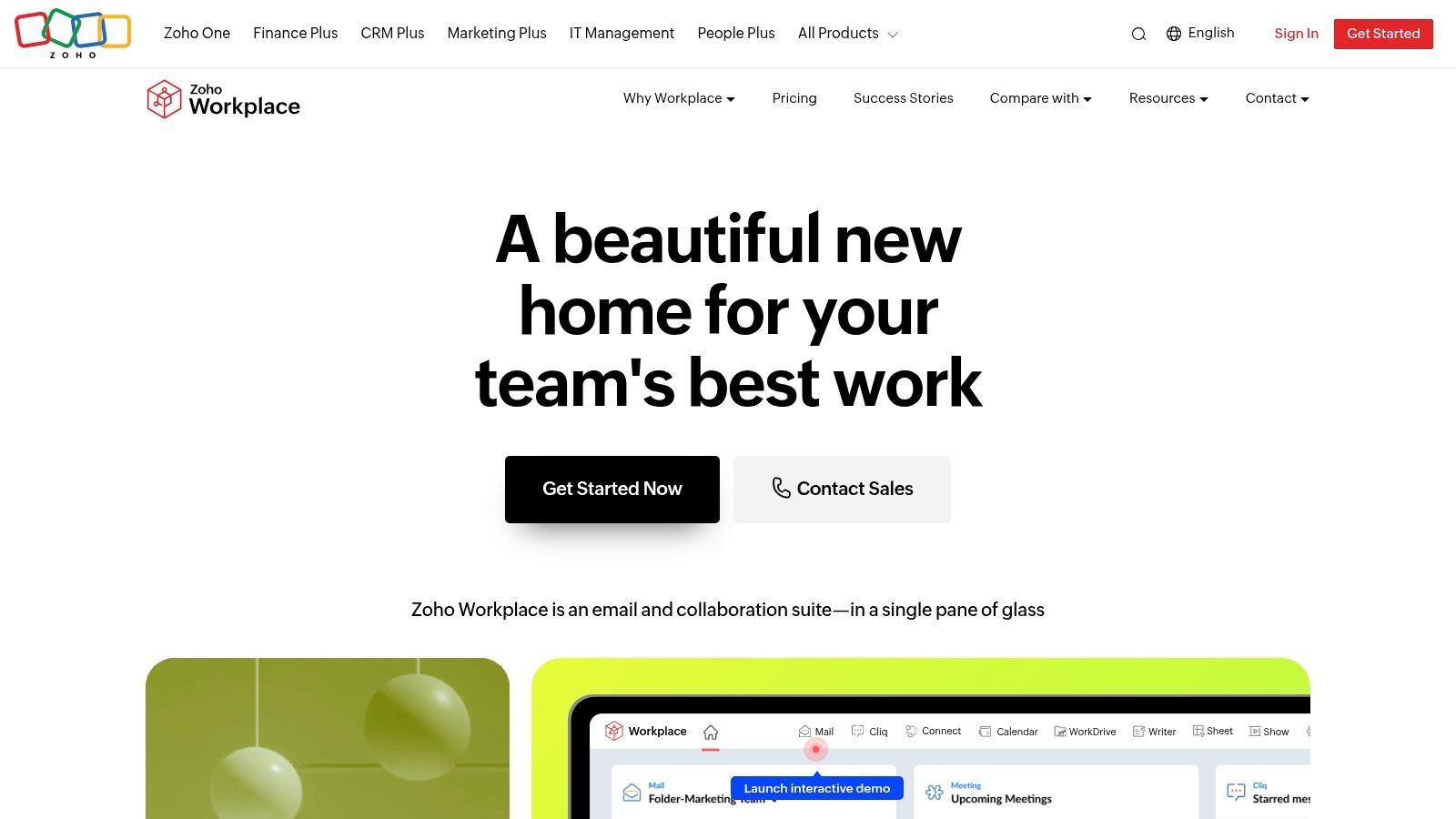
Zoho Workplace is a highly cost-effective and integrated suite, making it one of the most practical Google Workspace alternatives for small to midsize businesses (SMBs). The platform offers a cohesive bundle: Mail, WorkDrive (cloud storage), online editors (Writer, Sheet, Show), and communication tools like Cliq (chat) and Meeting. Its standout feature is its seamless connection to the broader Zoho ecosystem, which includes CRM, Books, and Projects.
This tight integration allows businesses to build a unified operational dashboard where data flows effortlessly between productivity, sales, and finance. If you're already using or considering other Zoho products, Workplace is a logical choice that simplifies vendor management and billing. For businesses that want an "all-in-one" software stack from a single provider and prioritize value, Zoho is a top contender.
Key Considerations
- Best For: Budget-conscious SMBs and companies that want to run their entire business on the Zoho ecosystem (e.g., using Zoho CRM). It’s an excellent choice for organizations seeking an all-in-one suite from a single provider.
- Limitations: While the Zoho ecosystem is broad, its integrations with third-party enterprise tools (like Salesforce or SAP) are less robust than those offered by Microsoft or Google. You must also verify the compliance status (e.g., SOC 2, HIPAA) for each specific Zoho app you plan to use.
- Pricing: A free plan is available for up to 5 users. Paid plans are highly competitive, typically ranging from $3 to $6 per user per month.
The platform's unified nature supports streamlined workflows, aligning well with the goals of many businesses looking into automation for small business to improve efficiency across departments.
Website: Zoho Workplace
3. Proton Business (Mail/Drive/Calendar + VPN/Pass)
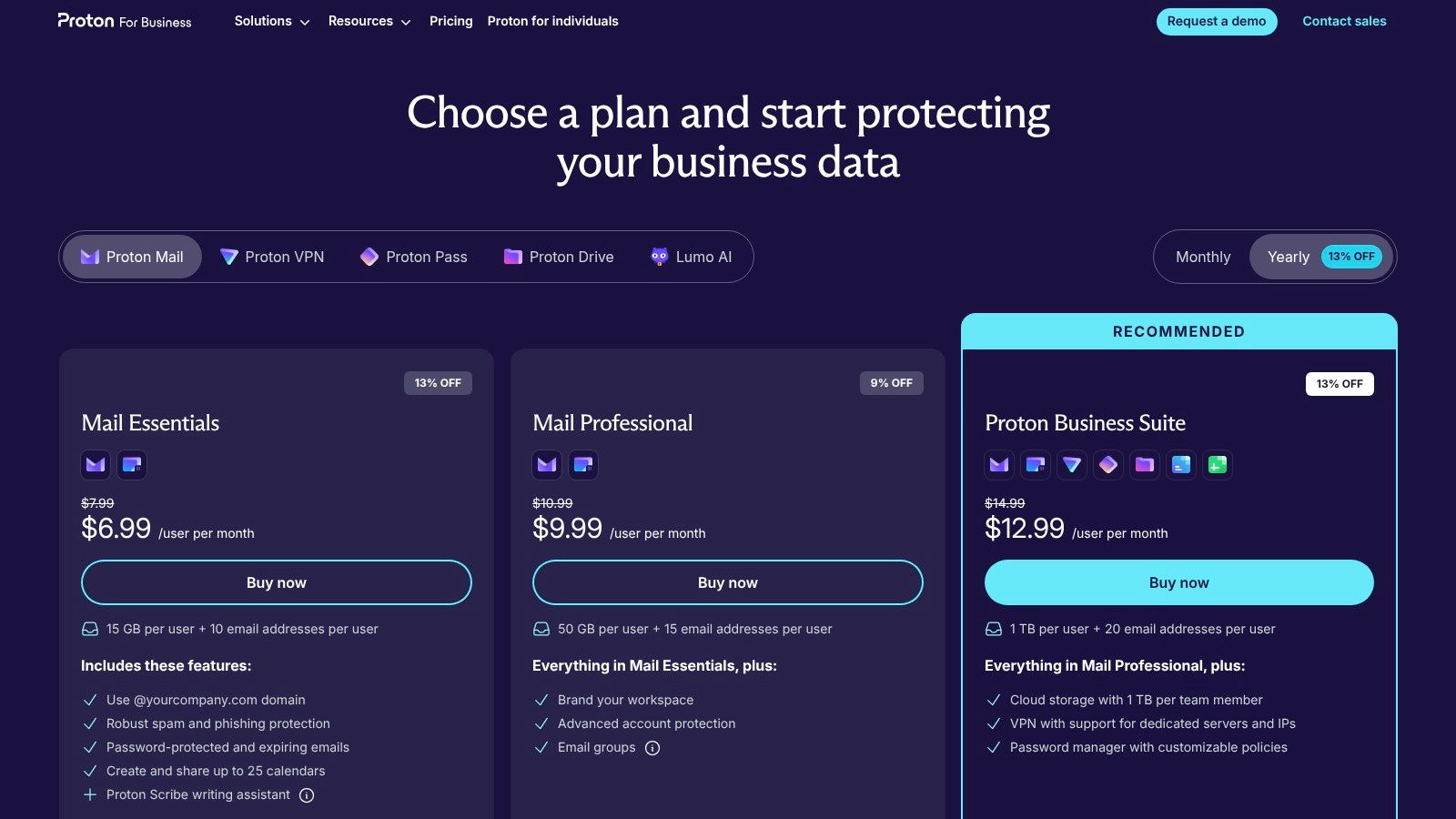
Proton Business offers a security-first alternative to Google Workspace, built on end-to-end and zero-access encryption. Hosted in Switzerland, it's designed for organizations that place the highest priority on data privacy. The suite bundles encrypted Mail, Calendar, and Drive, with optional add-ons like Proton VPN and Proton Pass, creating a complete privacy ecosystem for businesses concerned with surveillance and data breaches.
Its core differentiator is its "privacy by default" architecture. Unlike mainstream providers, Proton cannot access your data, which is a critical feature for industries handling sensitive information like law firms, journalists, or healthcare providers. This makes it less of a direct feature-for-feature competitor and more of a strategic choice where confidentiality is a core business requirement.
Key Considerations
- Best For: Companies in regulated industries (legal, healthcare), non-profits, journalists, and any business where user privacy and data security are non-negotiable. It is excellent for teams that need secure, encrypted communication channels.
- Limitations: The real-time document collaboration features are not as mature or feature-rich as Google Docs or Microsoft Word. If your team relies heavily on simultaneous co-editing, this may be a significant drawback. Advanced administrative controls are also less extensive.
- Pricing: Business plans start around €6.99 per user per month, scaling up with more storage and the inclusion of VPN and Pass services.
By focusing on core encrypted services, Proton provides a powerful foundation for a centralized communication platform where security is non-negotiable.
Website: Proton for Business
4. Tuta (formerly Tutanota) Business
Tuta Business is not a full productivity suite but a highly secure communication alternative to Google Workspace. Based in Germany and built with a GDPR-first mindset, it provides end-to-end encrypted business email, calendars, and contacts. Its core selling point is its unwavering commitment to privacy, utilizing post-quantum cryptography and a zero-tracking, zero-ads model.
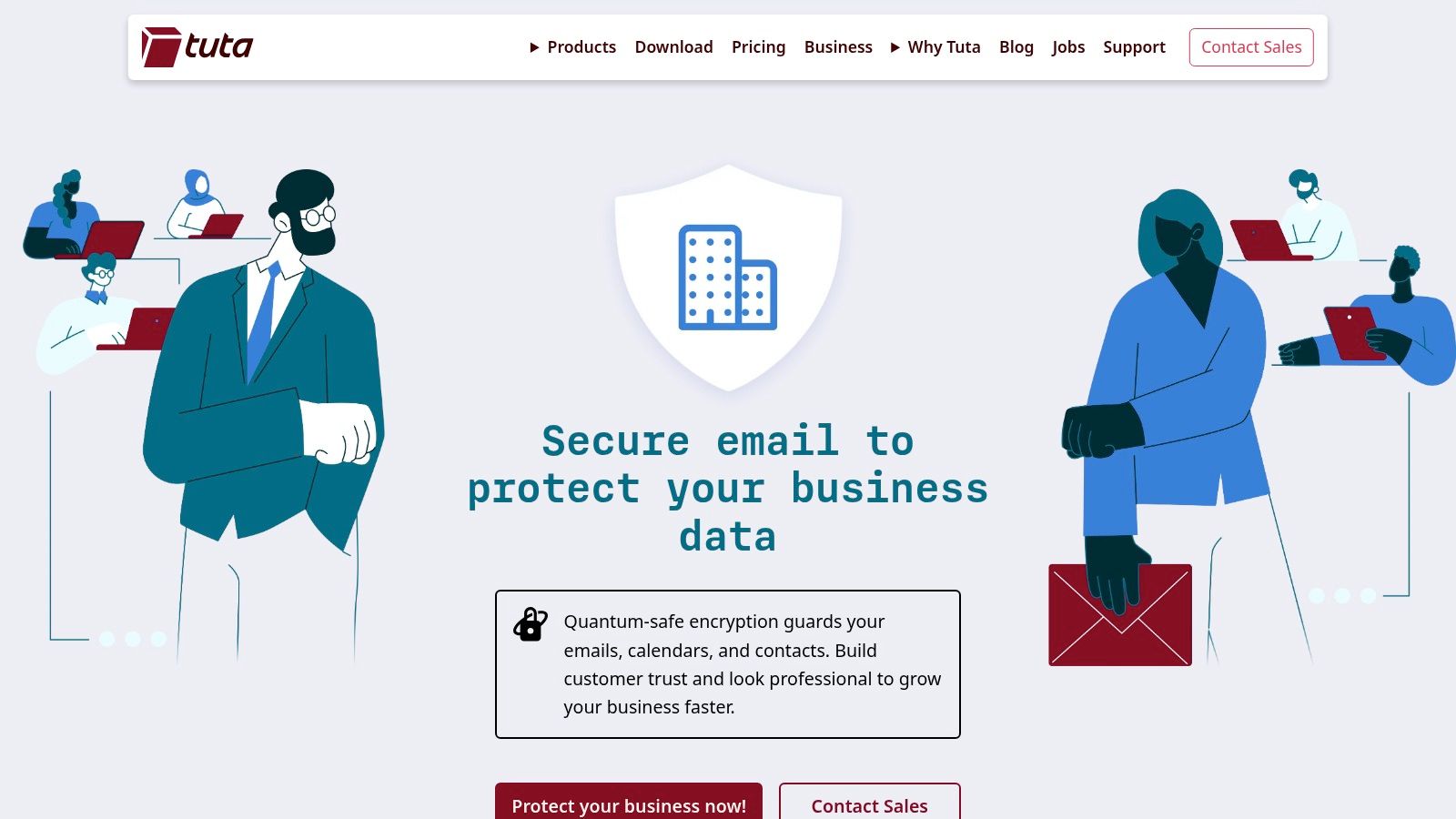
This platform excels at its primary function: securing organizational communications. It is engineered for teams in sectors like legal, healthcare, or journalism where confidentiality is paramount. The admin dashboard is streamlined for its focused feature set, allowing for easy management of users, custom domains, and shared mailboxes without the complexity of a sprawling ecosystem.
Key Considerations
- Best For: Organizations that need maximum security and privacy for email and calendar communications above all else, especially those operating under strict data protection regulations like GDPR.
- Limitations: Lacks integrated office document editors, video conferencing, or team chat. This makes it unsuitable as a standalone replacement for businesses that need a bundled collaboration platform. Its security model also means no support for third-party email clients like Outlook or Thunderbird via IMAP/POP3.
- Pricing: Business plans are highly competitive, starting from approximately €3 to €8 per user per month.
Tuta serves as an excellent, secure email foundation that can be paired with other specialized software to build a best-of-breed, privacy-conscious tech stack.
Website: Tuta Business
5. IceWarp (Cloud or Self‑Hosted)
IceWarp is a compelling, all-in-one alternative notable for its flexible deployment models. It delivers a complete stack including Mail, TeamChat, online documents, and video conferencing, which can be hosted in the cloud or deployed on-premises. This unique duality makes it a strong contender for organizations that need greater control over data location or have specific infrastructure requirements that cloud-only solutions cannot meet.
The platform distinguishes itself with generous storage allocations and a straightforward, competitive pricing model. For IT teams, the ability to integrate with existing directories via ActiveSync and AD/LDAP support simplifies migration and user management. While its third-party app marketplace is smaller than its rivals, IceWarp provides a robust, self-contained ecosystem that covers all core productivity needs, making it a practical choice for businesses prioritizing cost-efficiency and deployment flexibility.
Key Considerations
- Best For: Mid-sized companies, government agencies, and educational institutions needing a cost-effective, full-featured suite with the option for self-hosting or specific data residency (e.g., US data centers).
- Limitations: The ecosystem of third-party integrations is less developed compared to Google or Microsoft. If your workflow relies on connecting to many specialized SaaS tools, this could be a constraint.
- Pricing: Cloud plans range from approximately $2.80 to $8 per user per month, offering substantial value with features like 200 GB mailboxes and 1 TB of cloud storage included in upper tiers.
Its comprehensive nature and deployment options make it one of the more versatile Google Workspace alternatives for organizations looking to balance features, cost, and control.
Website: IceWarp Pricing
6. Nextcloud Hub (Enterprise)
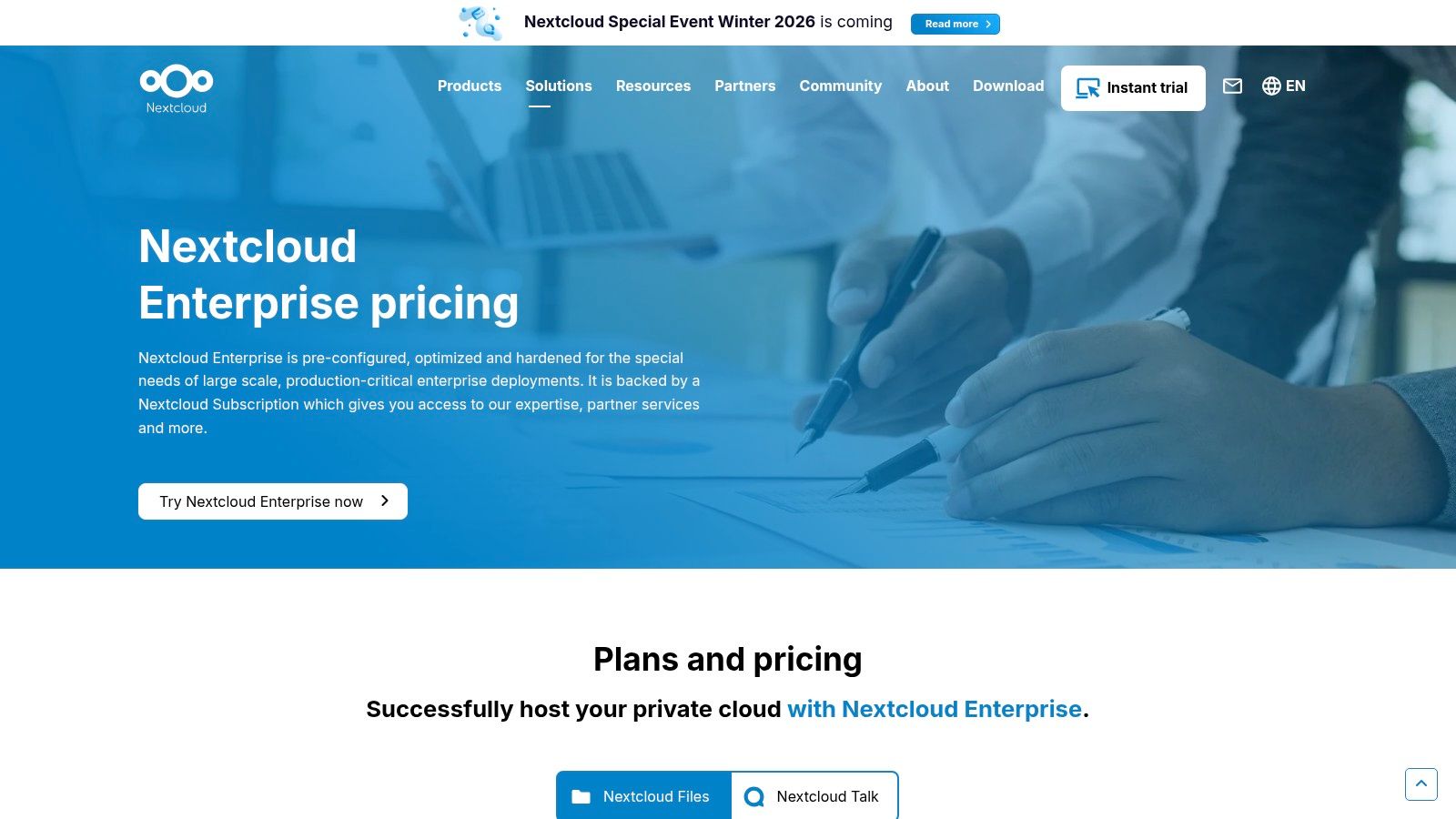
Nextcloud Hub is a leading open-source, self-hosted platform, making it a powerful Google Workspace alternative for organizations that prioritize data sovereignty. It bundles file sharing (Files), chat/video conferencing (Talk), and groupware (calendars, contacts, email). Its key differentiator is its architectural flexibility: deploy it on your own servers, in a private cloud, or through certified partners, giving you complete ownership of your data infrastructure.
This platform is ideal for entities in heavily regulated industries like government, healthcare, and finance. It integrates with office suites like Collabora Online or ONLYOFFICE to provide real-time collaborative document editing within your secure environment. Its modular design allows for extensive customization with hundreds of available apps to tailor the platform to your specific needs.
Key Considerations
- Best For: Organizations requiring absolute data sovereignty, GDPR/HIPAA compliance, and a customizable open-source solution. Ideal for companies with an in-house IT team capable of managing server infrastructure.
- Limitations: The self-hosted model demands internal IT expertise for deployment, maintenance, and security. The user experience and polish of the integrated office editors, while functional, may not feel as seamless as Google's native applications. Total Cost of Ownership (TCO) must include server and maintenance costs.
- Pricing: Enterprise plans start at approximately €36 per user per year. This price does not include hosting costs or licensing for third-party office suites.
Nextcloud's ability to be tailored makes it a strong foundation for building a unified digital workspace, acting as a central hub within an integrated project management system to keep all data and communications under one roof.
Website: Nextcloud Hub (Enterprise)
7. ONLYOFFICE Workspace (on-prem Enterprise)
ONLYOFFICE Workspace is a powerful, self-hosted collaboration platform designed for organizations that need high-fidelity document editing and data sovereignty. Its core strength is its exceptional compatibility with Microsoft Office formats (DOCX, XLSX, PPTX), providing a familiar editing experience that minimizes retraining. By bundling its robust online editors with mail, projects, CRM, and chat, it presents a comprehensive, private alternative to cloud-based suites.
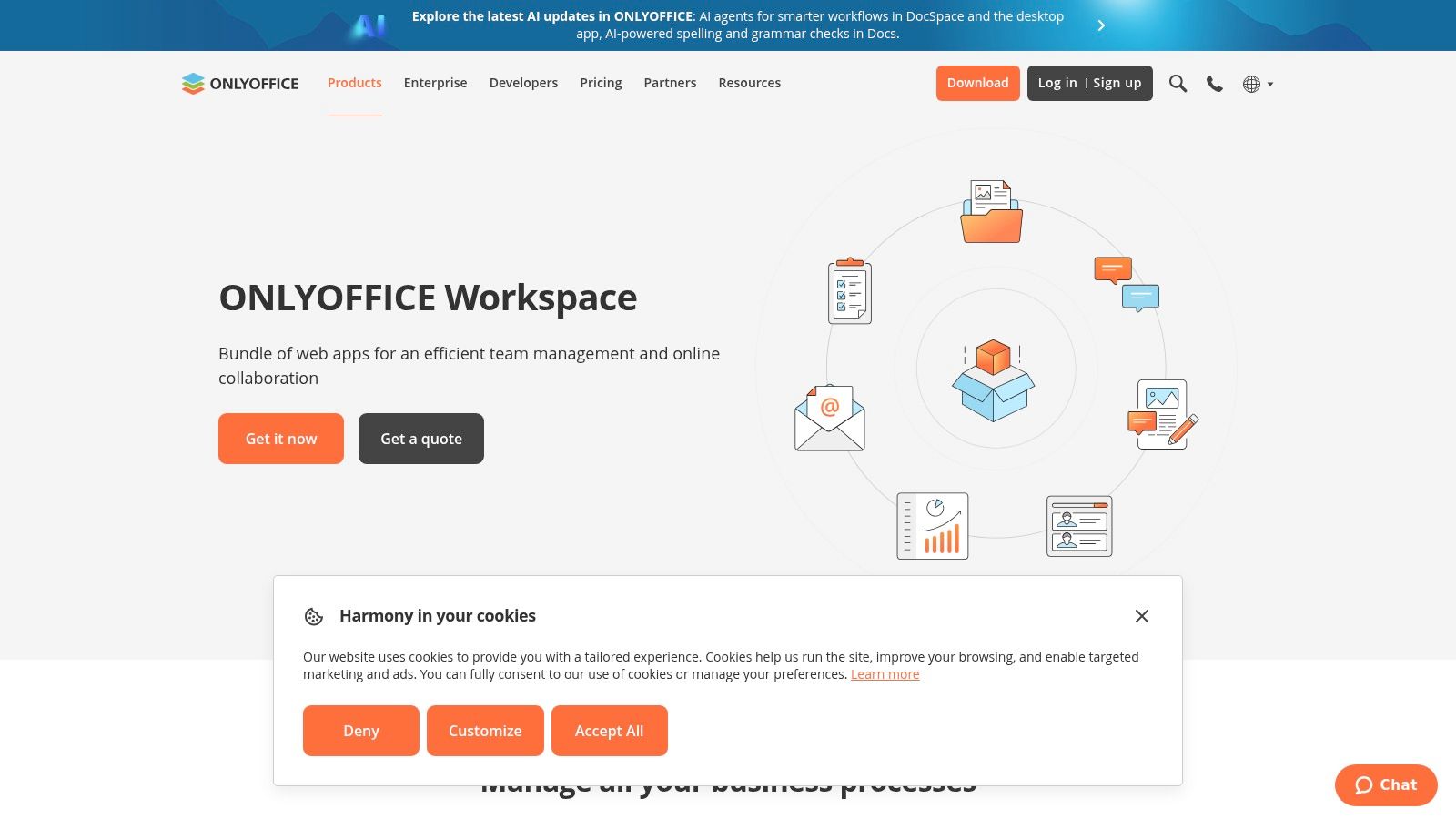
The platform’s on-premises nature makes it a compelling choice for industries with strict data privacy requirements, such as government, healthcare, or finance. Administrators get full control over their infrastructure, including integration with corporate services like LDAP/Active Directory for user authentication. This offers a level of security and customization that public cloud offerings cannot match.
Key Considerations
- Best For: Organizations requiring full control over their data, superior Microsoft Office document compatibility, and an all-in-one suite that can be deployed on private servers.
- Limitations: The self-hosted model requires dedicated IT resources for deployment and ongoing maintenance. Enterprise pricing is quote-based, adding a step to the procurement process. The mobile apps are generally considered less polished than those from top-tier competitors.
- Pricing: Enterprise Edition pricing is available by quotation, tailored to the organization's size and needs.
Its architecture provides a secure foundation for managing workflows and confidential information without relying on third-party servers, ensuring complete data ownership.
Website: ONLYOFFICE Workspace
8. Open‑Xchange OX App Suite
Open-Xchange (OX) App Suite is a modular, open-source-based platform offering a robust alternative for organizations that prioritize deployment flexibility. It provides webmail, shared calendars, cloud file storage via OX Drive, and online document editors. Its key differentiator is its architecture, which is designed for service providers and large enterprises to deploy either on-premise or in a private cloud, often as a white-label solution.
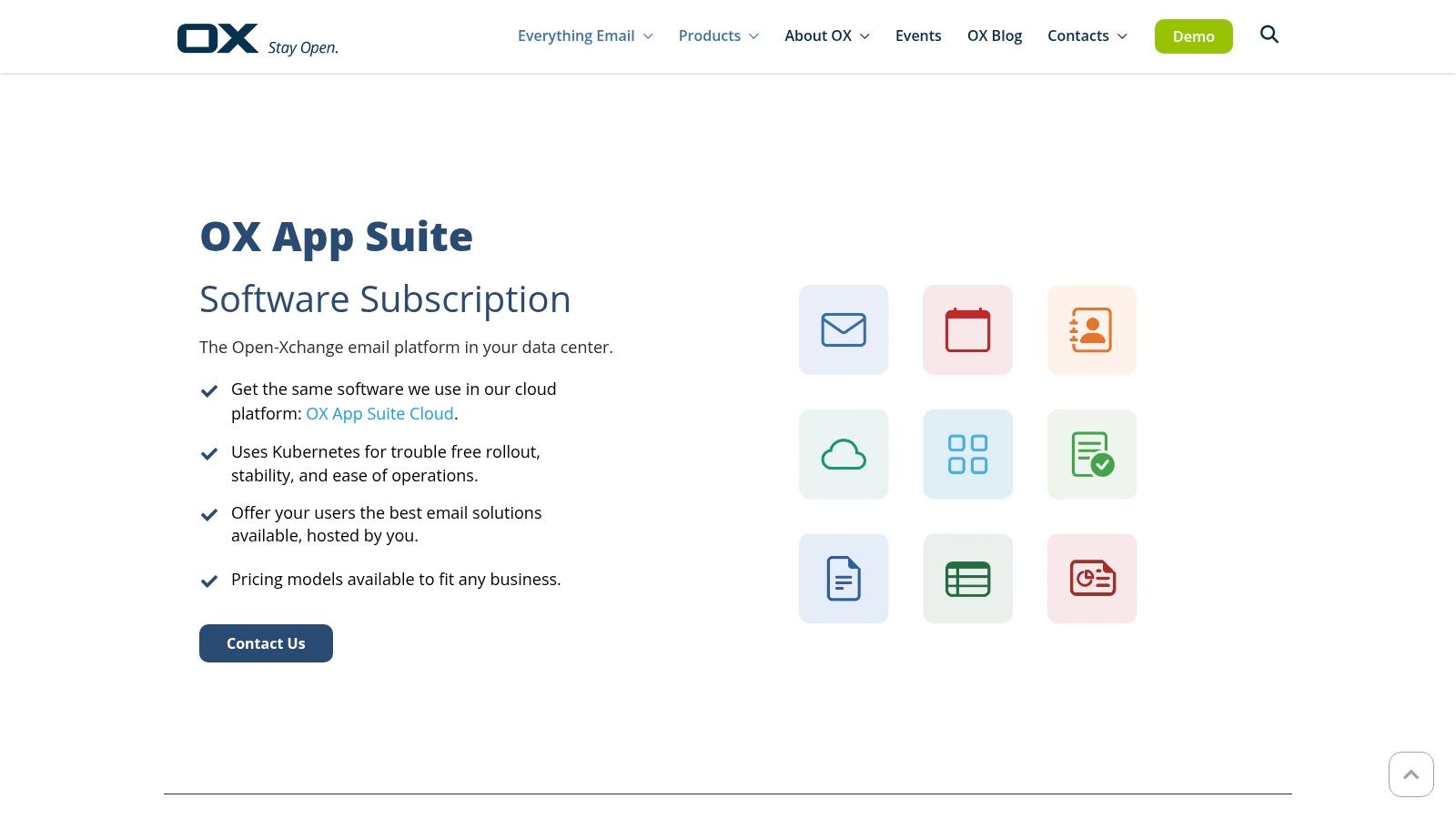
This platform is suited for companies that want to avoid vendor lock-in and retain control over their data. Rather than a direct SaaS model, OX App Suite is typically acquired through hosting providers or managed service providers, allowing for customized packaging. This makes it a highly adaptable Google Workspace alternative for businesses with specific compliance or operational requirements that necessitate a privately managed environment.
Key Considerations
- Best For: Service providers, hosting companies, and enterprises requiring a white-label, self-hosted, or privately managed collaboration suite with full data control.
- Limitations: The purchase process through resellers can lead to varied pricing and support experiences, requiring more due diligence. Its third-party application ecosystem is less extensive compared to mainstream competitors like Google and Microsoft.
- Pricing: Not standardized; depends entirely on the hosting partner or MSP providing the service. It is often sold on a competitive per-mailbox basis.
Its modular design allows organizations to selectively deploy components, ensuring they only pay for the features they need, which can be a significant cost advantage.
Website: Open-Xchange OX App Suite
9. Zimbra (Cloud via partners or Network Edition)
Zimbra is a long-standing enterprise collaboration platform offering significant deployment flexibility. It provides core productivity tools including email, shared calendars, contacts, and task management, accessible via a web client or through sync with desktop clients like Outlook. Zimbra's primary differentiator is its hybrid model: organizations can choose a partner-hosted cloud solution or deploy the on-premise Network Edition for maximum control over their infrastructure.
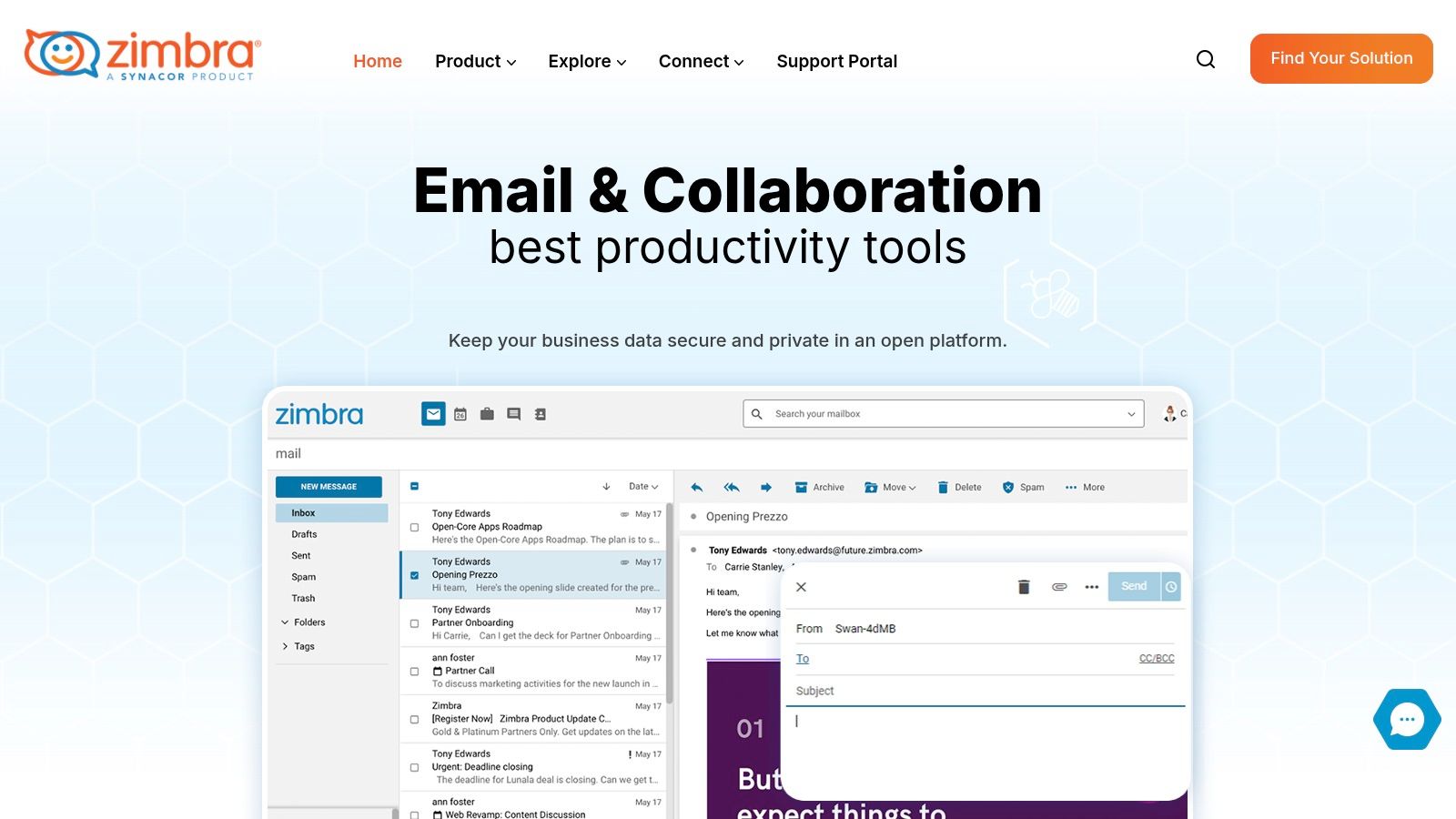
This platform is a practical choice for organizations that prioritize data sovereignty, custom integrations, or have specific hosting needs. The partner-led model allows businesses to select a provider that offers tailored support and data locality (e.g., US-based hosting). While the core platform is robust, the overall experience, including access to online document editors, can vary depending on the chosen partner and their specific package.
Key Considerations
- Best For: Organizations needing deployment flexibility, including on-premise control or specialized partner-hosted cloud solutions. It is also a strong choice for those requiring robust migration tools from legacy systems like Microsoft Exchange.
- Limitations: The user interface can feel dated compared to modern suites. Feature sets, integrations, and pricing are not standardized and depend heavily on the selected hosting partner, requiring more upfront research.
- Pricing: Varies significantly by partner. Pricing is often mailbox-based and requires direct quotes from providers.
The platform’s mature migration tools are a key practical benefit, easing the transition from complex legacy systems.
Website: Zimbra
10. Amazon WorkMail (+ WorkDocs)
For organizations deeply embedded within the Amazon Web Services (AWS) ecosystem, Amazon WorkMail is a secure and integrated email and calendaring solution. It serves as a pragmatic Google Workspace alternative focused on core communication, not a comprehensive office suite. Its main differentiator is its native integration with AWS infrastructure, leveraging services like AWS Identity and Access Management (IAM) for user control and AWS Key Management Service (KMS) for data encryption.
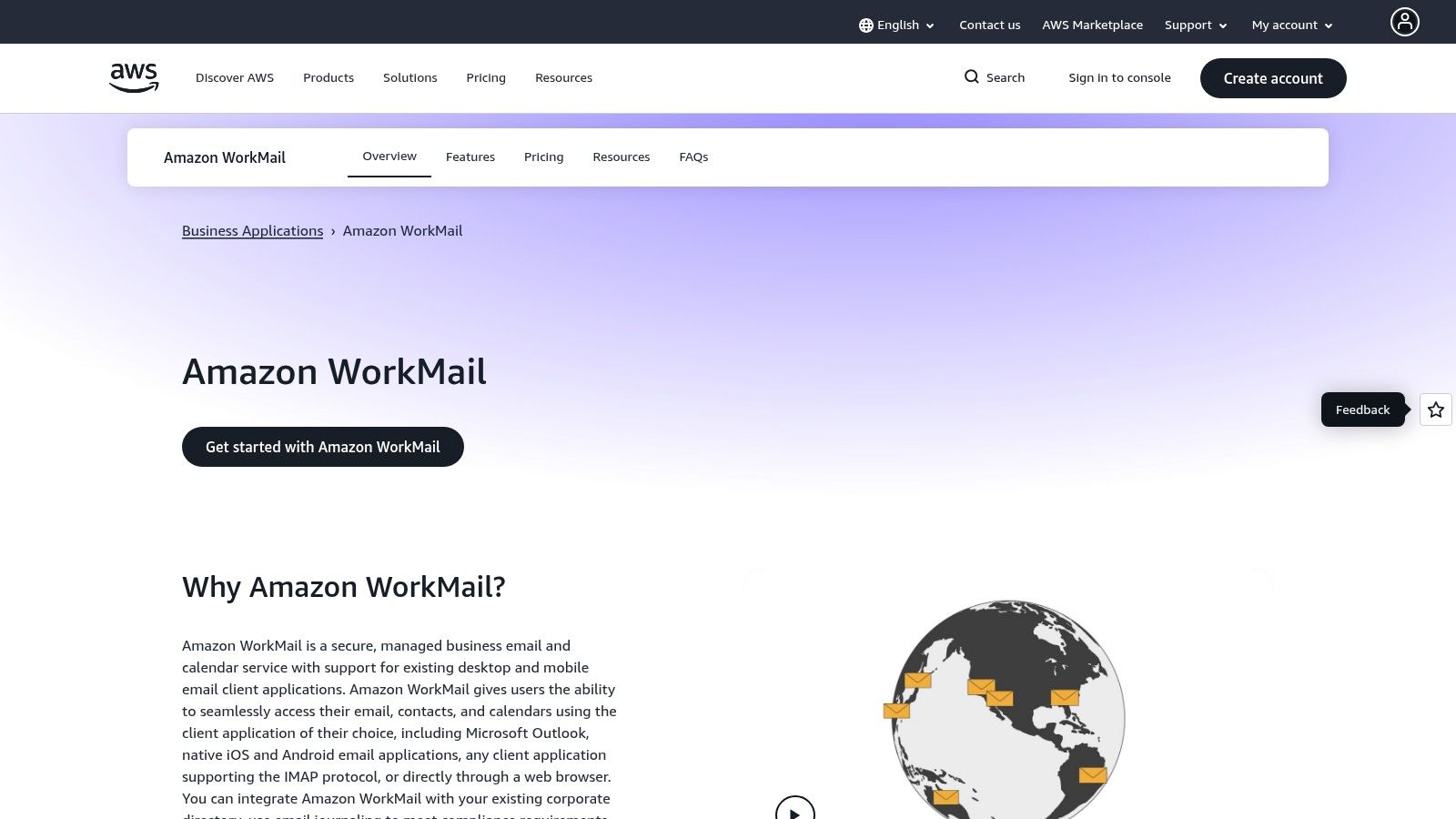
This platform excels in environments where IT governance and security are managed through AWS. It allows for strict control over data residency by letting administrators choose the specific AWS region where data is stored. While WorkMail handles email and calendars flawlessly with native Microsoft Outlook compatibility, it relies on the separately managed Amazon WorkDocs for file storage. This combination is functional but lacks the seamless, real-time co-editing of Google Docs.
Key Considerations
- Best For: Companies already standardized on AWS that need a secure, compliant, and cost-effective email solution without the overhead of a full productivity suite. Ideal for technical teams who value infrastructure-level control.
- Limitations: The document editing capabilities via WorkDocs are significantly more basic than those of Google Workspace or Microsoft 365. The user experience is functional but lacks the polished, unified interface of its larger competitors.
- Pricing: Simple and predictable, typically around $4 per user per month for a 50 GB mailbox. A 30-day free trial is available.
Its strength lies in being a component of a larger AWS strategy, offering security and administrative consistency for organizations that prioritize infrastructure integration over feature-rich productivity tools.
Website: Amazon WorkMail
11. Capterra – Google Workspace Alternatives
Capterra is not a direct competitor but a crucial research platform for evaluating Google Workspace alternatives. As a software directory, it aggregates hundreds of solutions, allowing decision-makers to conduct market scans efficiently. Its strength lies in its vast collection of verified user reviews, which provide practical, real-world insights into software performance, customer support, and ease of implementation that marketing materials often lack.
The platform's primary value is in the discovery and shortlisting phase. Using its robust filtering system, IT leaders can narrow down options based on specific features (e.g., "HIPAA compliant," "on-premise deployment"), business size, and user ratings. This helps teams move beyond the obvious competitors and uncover specialized tools that may be a better fit for their unique workflows.
Key Considerations
- Best For: IT and operations leaders in the initial discovery and comparison phase of selecting a new productivity suite. It is ideal for building a shortlist of viable vendors based on specific criteria and peer reviews.
- Limitations: The information, particularly pricing, may not always be up-to-date, requiring final verification on the vendor's site. Sponsored placements can influence the default visibility of products, so be sure to use filters for an unbiased comparison.
- Pricing: Free to use for software buyers.
For practical use, leverage Capterra to create a preliminary list of 3-5 candidates before proceeding to demos and direct vendor engagement.
Website: Capterra – Google Workspace Alternatives
12. G2 – Comparison Hub
G2 is an essential research platform for validating potential Google Workspace alternatives through peer reviews. Real-world users provide detailed feedback on business software, offering unfiltered insights from IT buyers who have already navigated the selection process. Its strength lies in its direct product-vs-product comparison grids and detailed feature ratings, which help you see beyond the marketing hype.
This platform provides a critical layer of due diligence before committing to a new ecosystem. Decision-makers can use G2's comparison grids to visualize feature-by-feature differences between contenders like Zoho Workplace and Microsoft 365, helping to identify trade-offs. This resource is invaluable for creating a data-backed shortlist and understanding the practical realities of migrating to and using a different productivity suite.
Key Considerations
- Best For: IT leaders and procurement teams validating their shortlist of platforms. It’s ideal for cross-referencing vendor claims with actual user experiences and identifying potential implementation challenges early on.
- Limitations: Detailed reports and certain comparison data may be gated behind a contact form. Niche or newer solutions may lack a substantial volume of reviews for a balanced perspective.
- Pricing: Free to access for browsing reviews and basic comparisons.
Website: G2
Top 12 Google Workspace Alternatives — Side‑by‑Side Comparison
| Product | Core features | Quality (★) | Price / Value (💰) | Target audience (👥) | USP (✨ / 🏆) |
|---|---|---|---|---|---|
| Microsoft 365 for Business | Office apps, Exchange, Teams, OneDrive, Azure AD | ★★★★★ | 💰 Mid–High; complex licensing | 👥 Enterprises, Windows-centric IT | 🏆 Best file compatibility; ✨ enterprise identity & compliance |
| Zoho Workplace | Mail, WorkDrive, Writer/Sheet/Show, Cliq, Meeting | ★★★★ | 💰 Low‑cost, high value | 👥 SMBs / midsize, value‑focused | ✨ Tight integration with Zoho app ecosystem |
| Proton Business | E2EE Mail/Drive/Calendar + VPN/Pass | ★★★★★ | 💰 Mid; privacy premium | 👥 Privacy‑focused orgs (legal/health) | 🏆 Zero‑access E2EE & Swiss data sovereignty ✨ |
| Tuta (Tutanota) Business | Encrypted email, calendar, quantum‑safe crypto | ★★★★★ | 💰 Low–Mid, straightforward | 👥 Teams needing private communication | 🏆 Post‑quantum encryption; ✨ GDPR/EU residency |
| IceWarp (Cloud/Self‑Host) | Mail, TeamChat, Meetings, Docs; cloud/on‑prem | ★★★★ | 💰 Competitive per‑user pricing | 👥 Midmarket seeking cost + flexibility | ✨ Flexible hosting (US DCs) & all‑in‑one stack |
| Nextcloud Hub (Enterprise) | Files, Talk, Groupware, Office via Collabora/OnlyOffice | ★★★★ | 💰 Mid; partner/hosted pricing | 👥 Orgs needing data sovereignty & control | 🏆 Data sovereignty + modular extensibility ✨ |
| ONLYOFFICE Workspace (on‑prem) | MS‑format editors, Mail, Talk, Projects, CRM | ★★★★ | 💰 Quote‑based (self‑host) | 👥 Enterprises needing MS fidelity & private deploy | ✨ High MS‑format fidelity; private deployment |
| Open‑Xchange OX App Suite | Webmail, OX Drive, editors; provider/self‑host | ★★★ | 💰 Competitive via hosters | 👥 Service providers & enterprises via resellers | ✨ Provider deployment flexibility; modular pick |
| Zimbra (Cloud/Network) | Email, calendar, anti‑spam, archiving, partner cloud | ★★★ | 💰 Attractive mailbox pricing via partners | 👥 Orgs wanting partner‑hosted or on‑prem email | ✨ Mature migration tools & partner ecosystem |
| Amazon WorkMail + WorkDocs | Managed email/calendar; WorkDocs storage | ★★★★ | 💰 Low (≈$4/user/mo example) | 👥 AWS‑standardized teams | ✨ AWS KMS + region data residency; 🏆 predictable pricing |
| Capterra – Google Workspace Alternatives | Vendor directory, reviews, filters | ★★★ | 💰 Free to use | 👥 Buyers researching market options | ✨ Broad discovery & verified user reviews |
| G2 – Comparison Hub | Peer reviews, product vs product grids, ratings | ★★★ | 💰 Free (some gated content) | 👥 IT buyers validating shortlists | ✨ Peer review depth & comparison tools |
Making Your Final Decision: Practical Steps and Intelligent Automation
Choosing from the many Google Workspace alternatives is a strategic process. We've explored a range of platforms, from Microsoft 365's enterprise ecosystem to Proton's privacy-focused suite and Nextcloud's self-hosted model. Each offers a distinct value proposition tailored to different priorities.
The core takeaway is that the "best" replacement for Google Workspace depends entirely on your business needs. For organizations invested in the Windows ecosystem, Microsoft 365 is the logical choice. Businesses prioritizing data privacy and encryption should look to Tuta or Proton. Meanwhile, platforms like Zoho Workplace offer a powerful, integrated suite for companies seeking a unified, cost-effective solution.
Your Action Plan: From Shortlist to Selection
Avoid analysis paralysis by turning this list into a concrete evaluation plan. The goal is to find the right alternative that enhances your operations.
1. Define Your Non-Negotiables:
Before scheduling any demos, convene your leadership and IT teams to define your core requirements.
- Data Sovereignty: Do you need data stored in a specific region or on your own servers? This points you toward self-hosted options like Nextcloud or providers with regional data centers.
- Compliance & Security: Are you bound by regulations like HIPAA or GDPR? Prioritize platforms with specific compliance certifications and end-to-end encryption.
- Critical Integrations: What are your mission-critical applications (CRM, ERP)? Assess the integration capabilities of your top contenders to avoid creating data silos.
- User Adoption: How steep is the learning curve? A feature-rich suite is useless if your team finds it cumbersome and resists adoption.
2. Create a Pilot Program:
Narrow your options to two or three platforms. Real-world testing is definitive.
- Assemble a Diverse Test Group: Include power users, administrative staff, and stakeholders from different departments to uncover varied pain points and benefits.
- Focus on Core Workflows: Task your pilot group with executing everyday business processes. Can they collaborate on documents, schedule meetings, and manage email efficiently?
- Evaluate Admin Controls & Support: Your IT team should test the administrative backend. How intuitive is user management? How responsive is the support team when a real issue arises?
3. Plan for a Seamless Migration:
A poorly planned migration can lead to data loss and downtime. Investigate the native migration tools offered by each vendor. For complex transitions, consider third-party services specializing in migrating data from Google Workspace. A smooth cutover is essential for business continuity.
Ultimately, selecting from the many available Google Workspace alternatives is an opportunity to optimize your digital workplace. It’s a chance to align your tools more closely with your company’s values, whether that's prioritizing open-source principles, maximizing data privacy, or standardizing on a single vendor ecosystem. This decision is a strategic investment in your organization's future efficiency and security.
Once you've chosen your new productivity hub, the next frontier is intelligent automation. OpsHub designs and implements custom AI-powered workflows that integrate directly with platforms like Microsoft 365 and Zoho, automating complex reporting and eliminating the administrative friction that consumes executive time. Transform your new suite from a simple toolset into a strategic operational asset with OpsHub.
Share This Story, Choose Your Platform!
TUNE IN

OpsHub Signal publishes analysis, essays, and field notes on operations, capital, policy, and systems design. Subscribe to receive a weekly briefing that cuts through noise and delivers what actually matters to operators.